Why is it useful?
Connecting to Connex Me TV allows you to launch polls during your event and display the results live on screen. You can also show participants’ responses to the polls in real time.
How does it work?
Contact the support team
Reach out to the Evenium team to obtain your Connex Me TV login ID.
The password is the same as the one you use for your Evenium account.Access the login link
Click on the following link to open the login page: https://static.evenium.com/js/connexmetv-web/#/loginLog in
Enter your login ID and password, then click Sign in.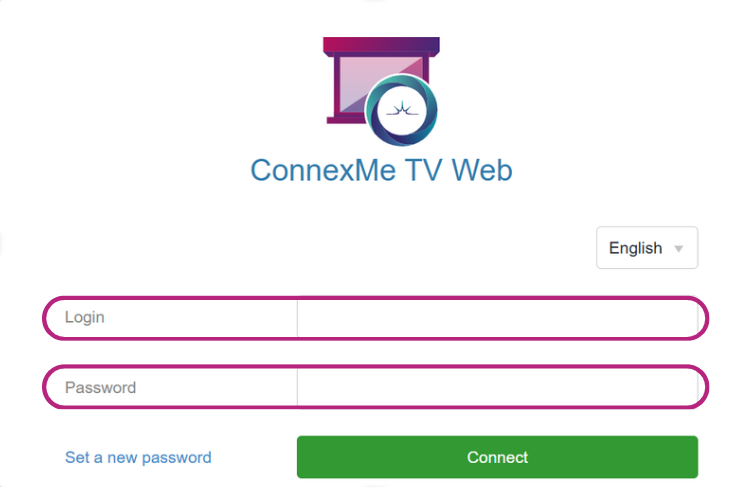
Select your event and the relevant room
Choose the relevant event from the dropdown list, and also select the room where the broadcast will take place.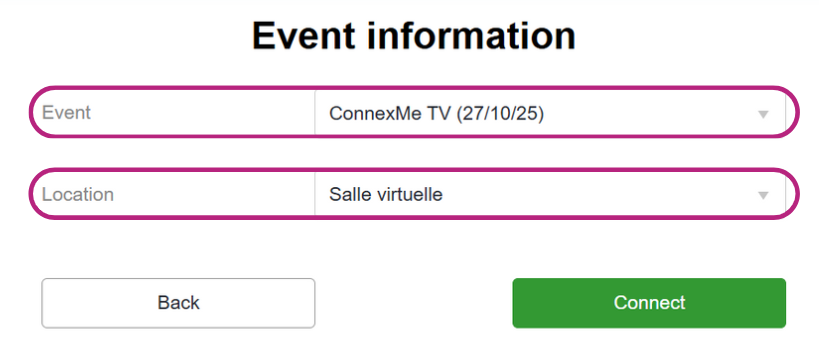
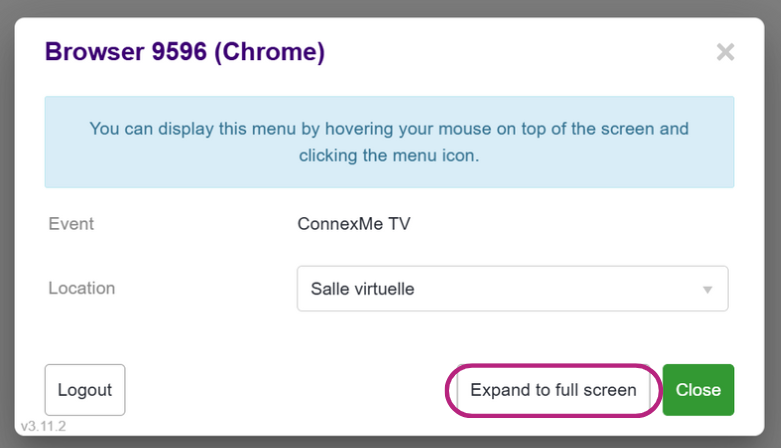
Switch to full screen mode
Keep the display in full screen throughout the event for the best visual experience.