
Why is it useful?
Customizing your widgets allows you to integrate your brand identity and company logo, ensuring that the display is consistent with your organization’s visual style.
How does it work?
To customize your widgets on Connexme TV, follow these steps:
Go to Settings > ConnexMe.
Open the Design and Logo section.
Click on Customize Widgets.
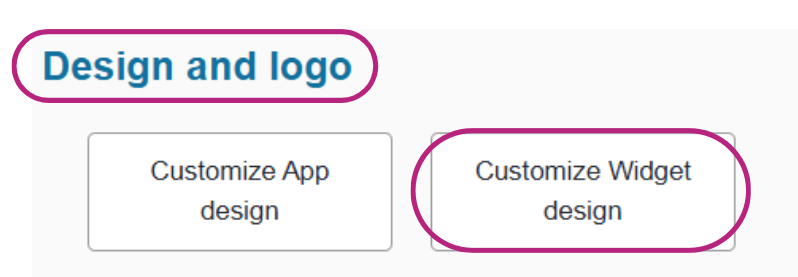
You can then:
Customize the colors:
Define a key color that will serve as the base for your theme.
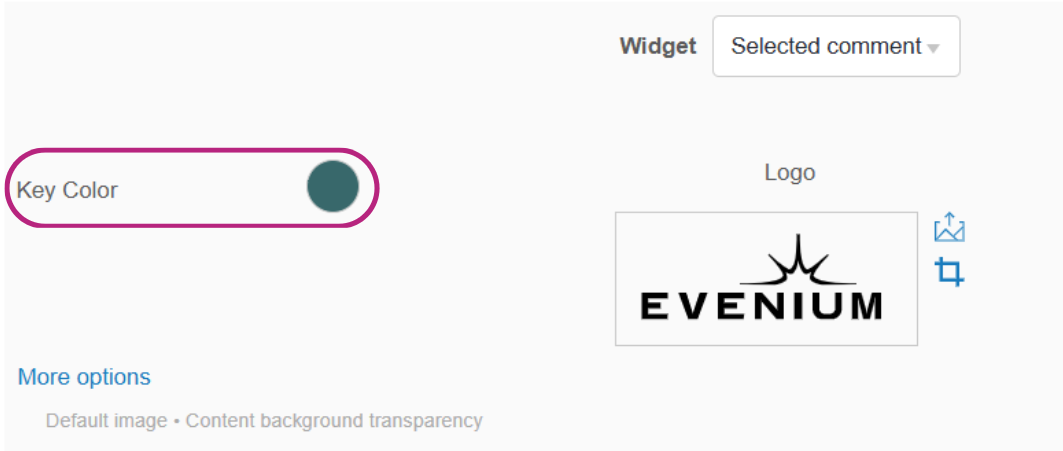
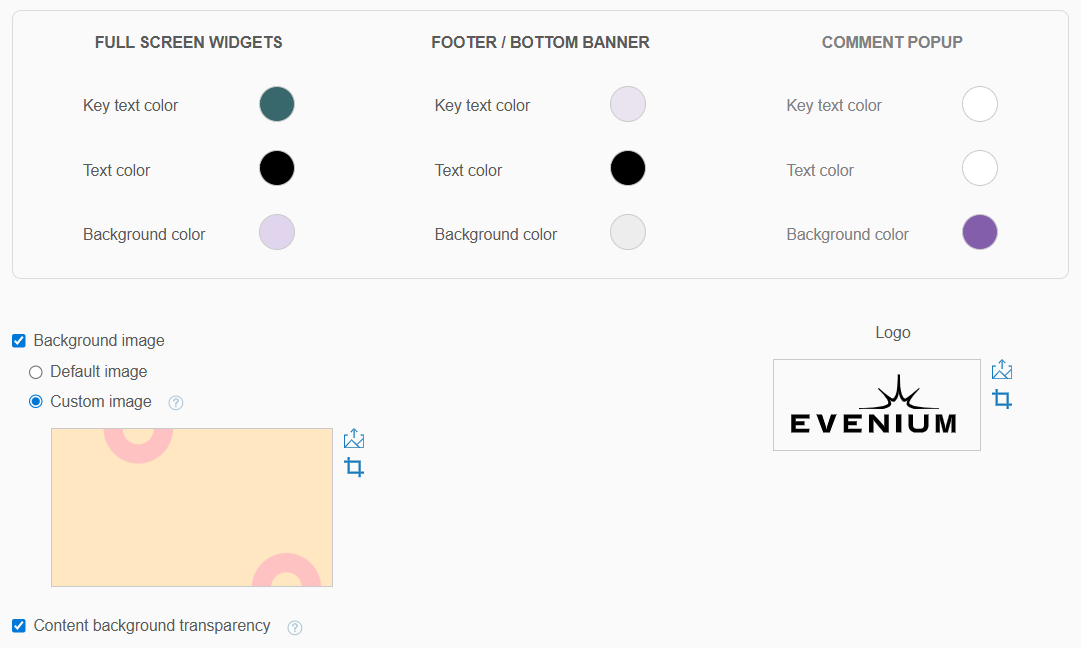
The other colors will automatically adapt to it, but you can manually fine-tune them by clicking on Advanced for more control. In the Advanced options, you can also add a background image and adjust its transparency level.
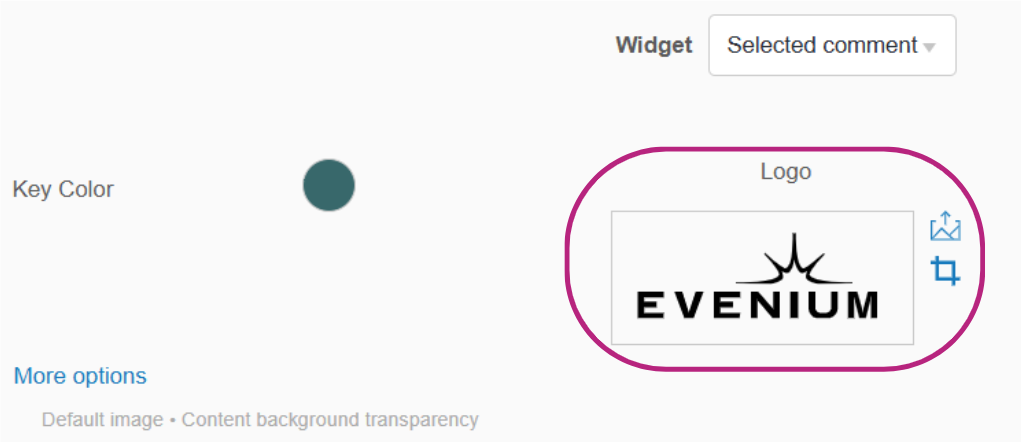
Add your logo:
Upload your company logo to display it on the widgets, enhancing your brand visibility.
Once your customization is complete, use the drop-down menu to preview the different widgets and check how they will appear before broadcasting.