Why is this useful?
Creating and launching polls allows you to ask participants questions to gather their opinions or test their knowledge in real time. It's a great way to make discussions more interactive, get everyone involved, see instant results, and encourage sharing between facilitators and participants when the results are displayed on a large screen.
How does it work?
- Start by creating your polls in your event’s back office.
- Make sure you are properly connected to ConnexMe TV
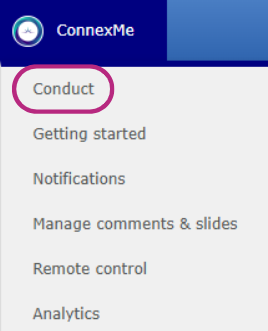
- Go to the ConnexMe > Animation tab.
- Check the ConnexMe TV connection icon.

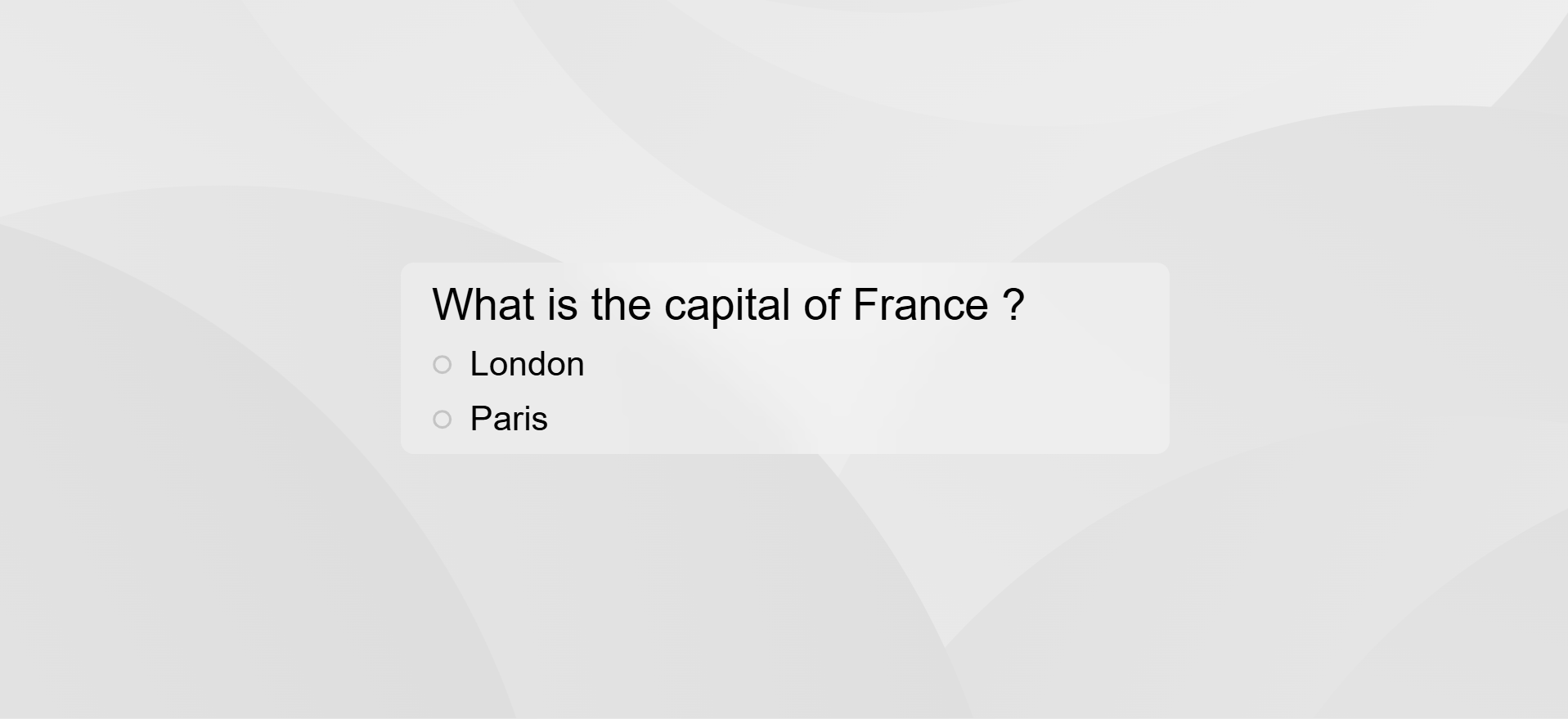
- Click Launch poll to display it on the main screen. Participants will then be able to respond directly from their app.

Your poll will then appear on your ConnexMe TV screen: