Why is it useful?
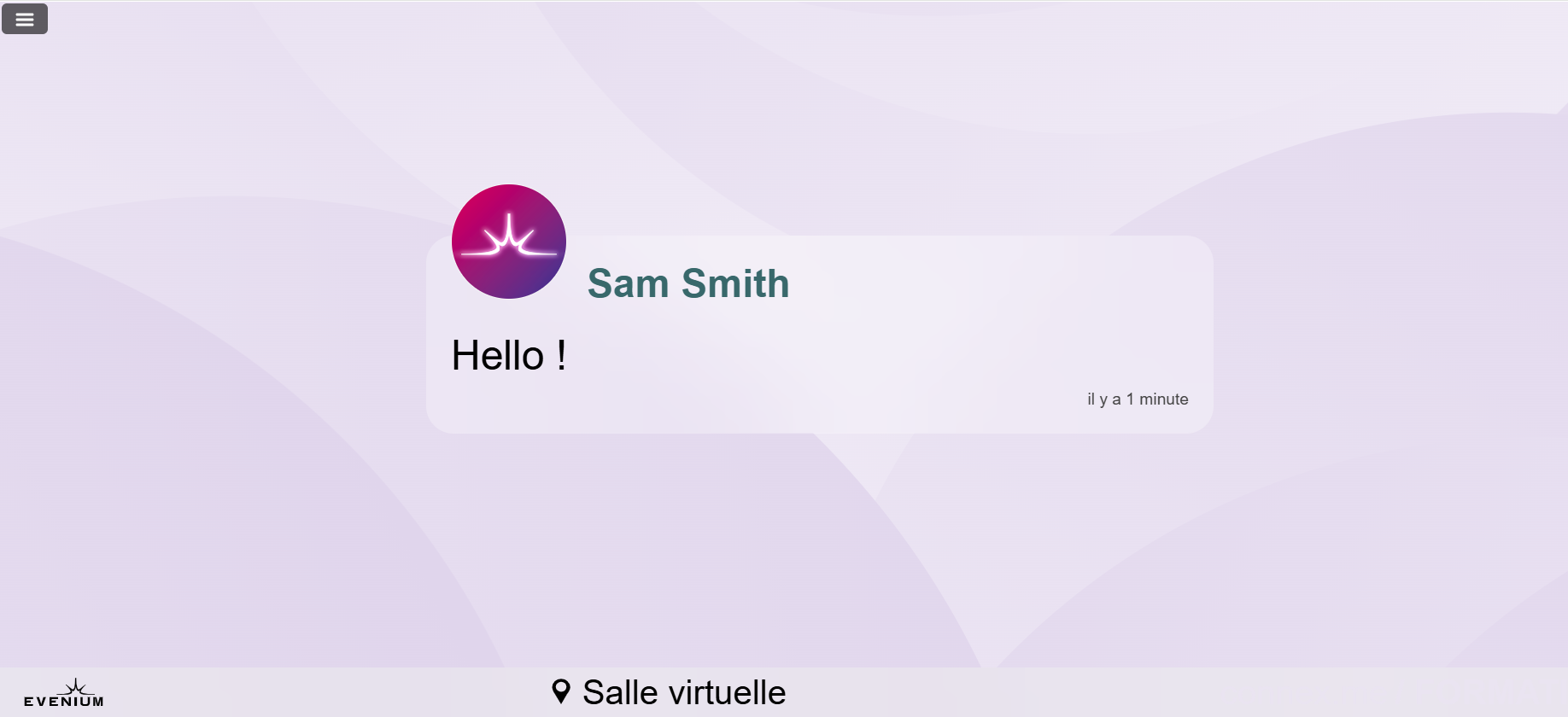
You can display on your ConnexMe TV screen the comments posted by participants through the app. This allows everyone in the room to see the questions and remarks shared by others. This feature is often used during Q&A sessions.
How does it work?
First, make sure that a screen is properly connected to ConnexMe TV and that your back office is open on your second screen. (Need help connecting to ConnexMe TV? Check this article.)
To display comments:
Click on the ConnexMe > Animation tab.
In the Comments tab, you’ll see all messages posted by participants.

To choose which comments to display on screen, click the green button at the bottom right of each comment.

The comment will then appear on the screen.