Why is this useful?
Sharing survey results on ConnexMe TV is useful because it makes discussions more dynamic and participatory. Displaying responses live on a large screen captures the audience's attention, encourages discussion, and enhances interaction between presenters and participants.
How does it work?
- In your event's back-office, go under the Configuration > Conduct tab
- Make sure you are properly connected to ConnexMe TV.
- Click on Launch poll. When launching, several display options are available depending on the type of poll:
If the poll has no correct answer
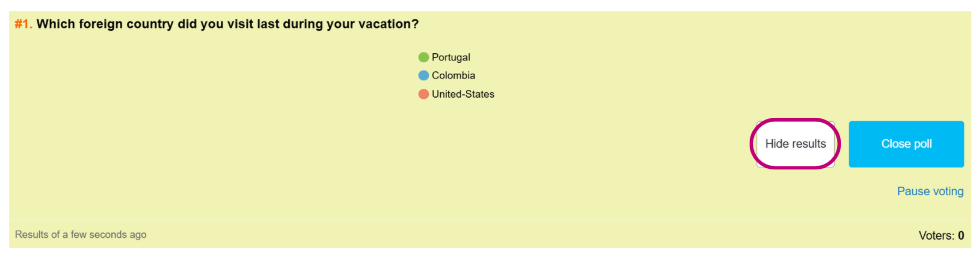
The results will be displayed in real-time on the screen. If you do not want this, you can click on Hide results.
If the poll has a correct answer
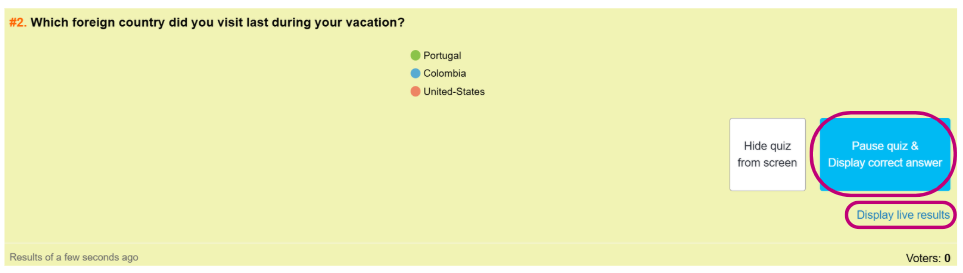
The results will be displayed after the survey is closed. If you want to display the results, you must either click on Pause quiz & Display the correct answer or on Display live results.
4. Other display options:
To show the different result display options, first click on the three lines below:

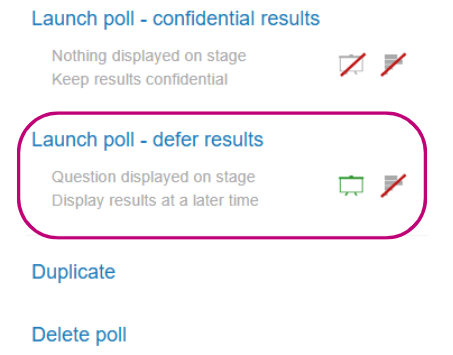
- To launch the survey with confidential results, click on Launch poll - confidential results
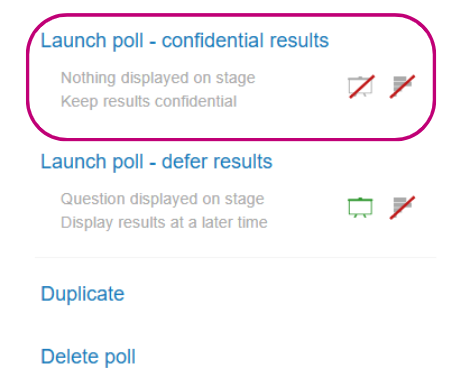
- To launch the survey with delayed results, click on Launch poll – defer results.
5. Display of results at any time:
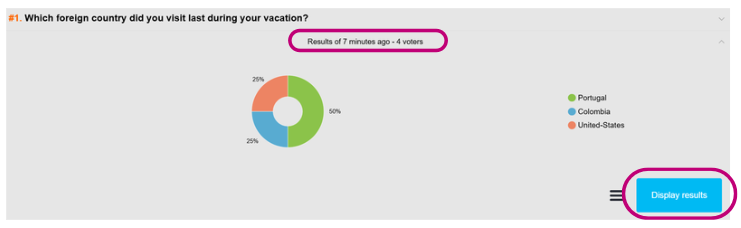
Display the results again after hiding them by clicking on the results below the survey question.