Why is this useful?
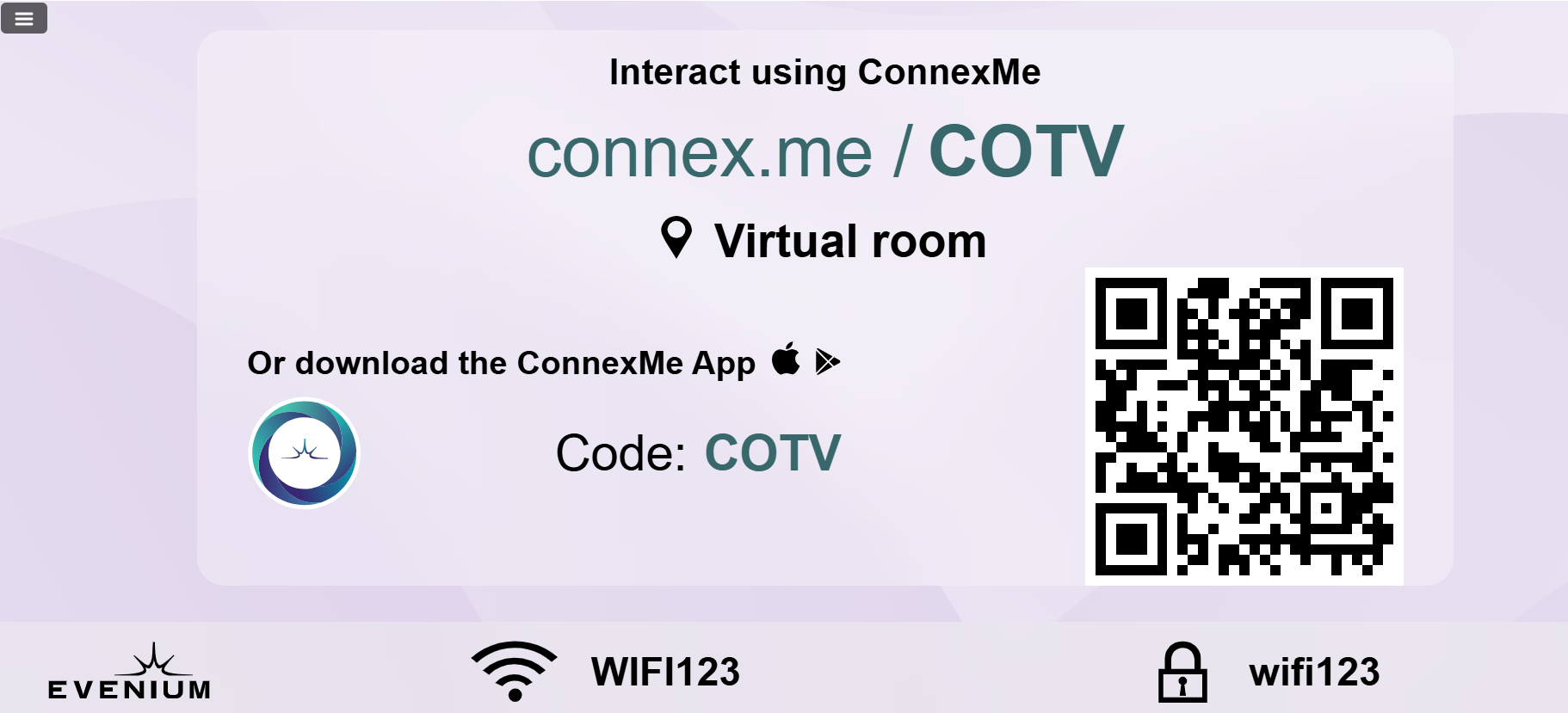
You can display on your ConnexMe TV screen the login information for the ConnexMe app, as well as the Wi-Fi details of your event location, if available.
At the start of the event, you can activate the “Get connected” widget. This allows participants who haven’t yet downloaded the app to do so and quickly connect to the event.
How does it work?
Prerequisites: Make sure a screen is properly connected to ConnexMe TV and that your back office is open on your second screen.
(Need help connecting to ConnexMe TV? Check this article.)
Accessing the display mode:
Go to the ConnexMe > Animation tab.
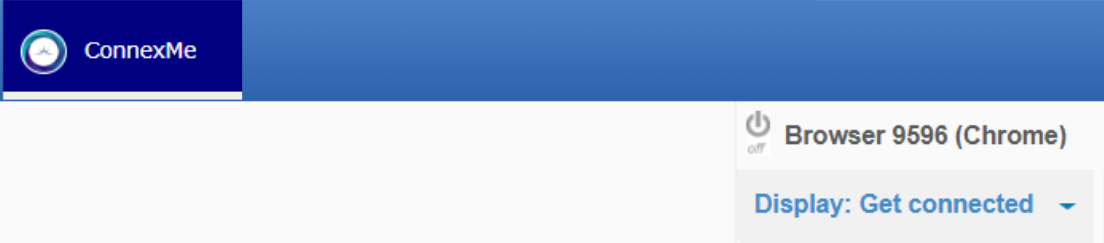
At the top right, click on Display for ConnexMe TV.
From the dropdown list, select Get connected.
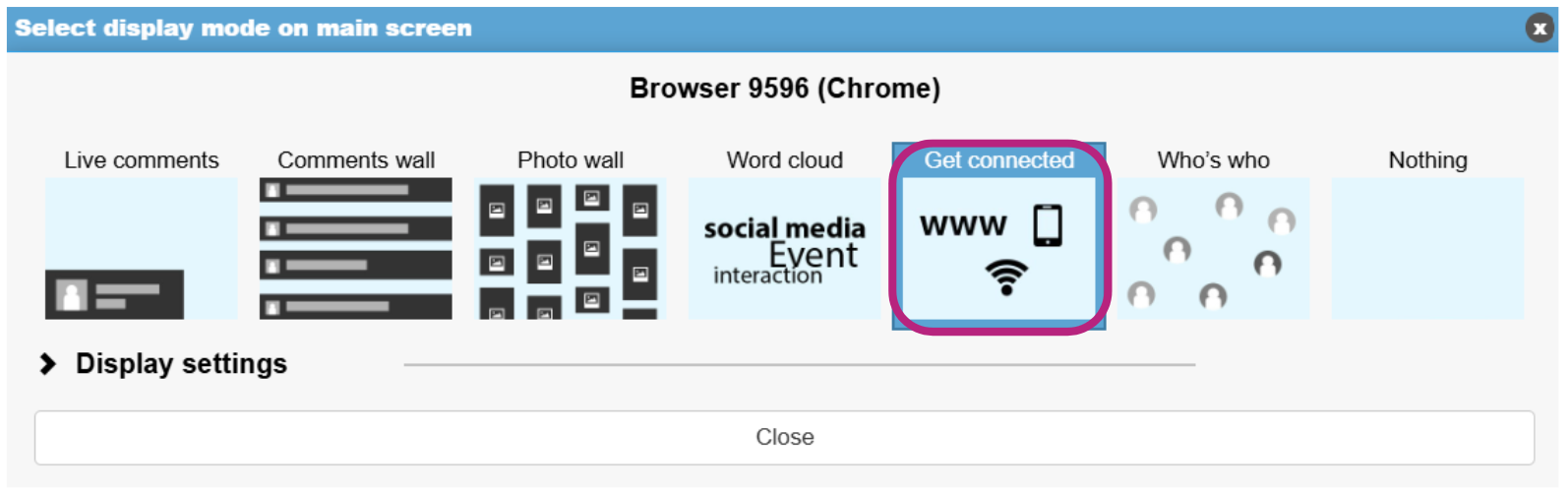
Once this display is selected, it will automatically appear on the ConnexMe TV screen.
To configure the Wi-Fi information:
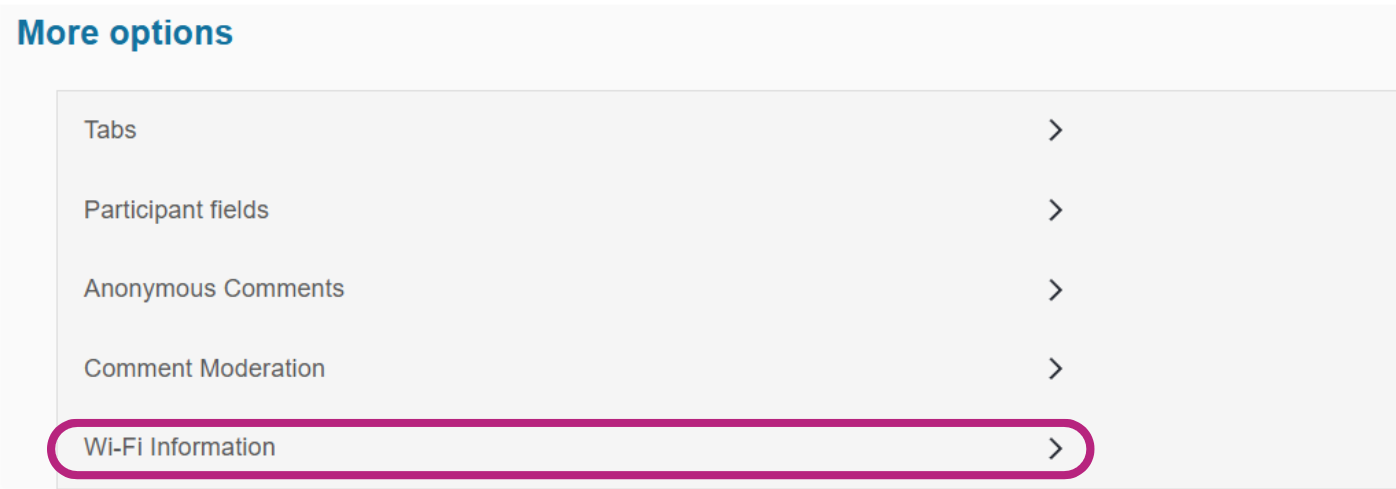
Go to the Configuration > ConnexMe Configuration tab. At the bottom of the page, you will find the Wi-Fi Information module.